


Smart Alerts
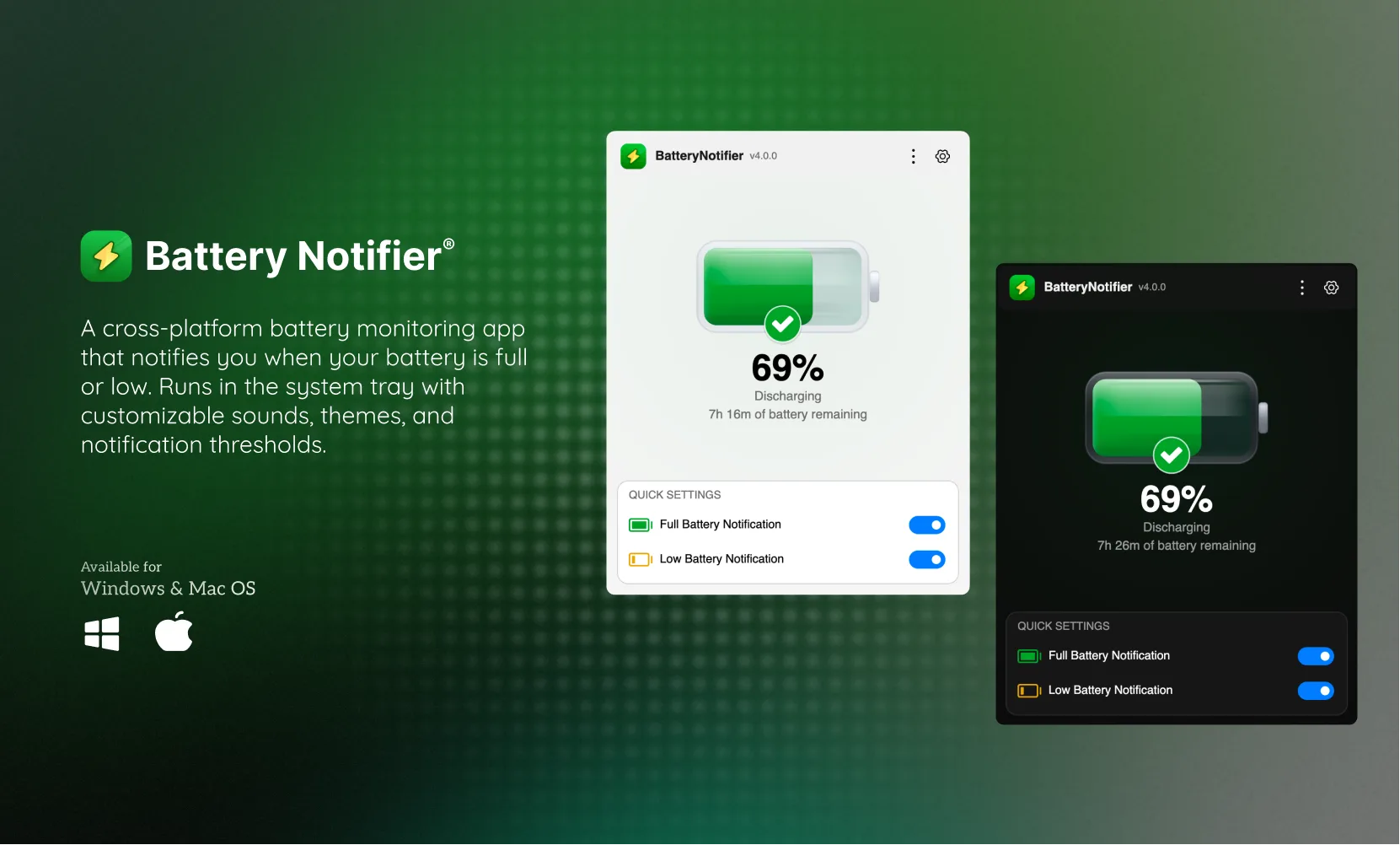
Get a heads-up the moment you should plug in or unplug. Custom thresholds for full and low battery, with escalating backoff so you're warned — never spammed.
Charge and unplug at the right time for a battery that lasts, with hand crafted notification design that feels like butter.
Featured on the web's leading software directories
Get a heads-up the moment you should plug in or unplug. Custom thresholds for full and low battery, with escalating backoff so you're warned — never spammed.
Watch your battery age in real time — capacity, cycle count, temperature, and wear — so you know exactly when it's time to replace.
Pick an alert you'll actually notice. 10 synthesized tones, 4 curated clips, or import your own .wav, .mp3, .m4a, .ogg, .flac, or .aac.
Blends into your desktop with System, Light, and Dark themes. Stays quiet during Do Not Disturb and launches itself at startup.
No telemetry. No network calls. Settings encrypted at rest. Read every line on GitHub or fork it — it's MIT licensed and yours forever. Built with Avalonia UI and .NET 10.
Pick your platform. No account needed.
Yes. MIT licensed, no ads, no in-app purchases, no account. Free forever.
Windows 10, Windows 11, macOS, and Linux. Install via winget on Windows, Homebrew tap on macOS, or download directly.
macOS Gatekeeper blocks apps that aren't signed with an Apple certificate. This is normal for open-source apps. The easiest fix is to install via Homebrew:brew install --cask Sandip124/tap/battery-notifier
If you downloaded the .pkg directly, open Terminal and run:sudo xattr -cr /Applications/BatteryNotifier.app
Or go to System Settings → Privacy & Security → click “Open Anyway” next to the blocked app message.
Open Settings, enable Full Battery or Low Battery notifications, set your percentage threshold, and pick a sound. That's it.
No. Zero telemetry, no network calls, runs entirely offline. Settings are encrypted at rest. Full source on GitHub.
No. Runs natively with minimal CPU and memory. You won't notice it's there.
Yes. Set a full charge alert at 80% and unplug before 100%. This reduces wear on lithium-ion cells over time.
No ads. No subscriptions. Just one developer maintaining it in spare time.
Don't want to tip? Just show some love for the project.
No GitHub account needed — I read every one, promise.
Drag an item into the inbox