My old laptop used to run for eight hours. Two years later it barely made four. Nothing was broken. I had just charged it wrong, every single day.
I plugged it in in the morning, walked away, and left it sitting at 100% until evening. That is the part that does the damage.
The rule
Charge to 80%. Unplug.
That is the whole thing. Lithium-ion cells sit under higher voltage stress when they are full. Keep them there for hours a day and they lose capacity faster.
| Charge level | Capacity retained after 1 year |
|---|---|
| 100% daily | ~80% |
| 80% daily | ~92% |
Roughly 12% more capacity after a year, for the cost of unplugging earlier. (Source: Battery University — How to Prolong Lithium-based Batteries)
You do not have to be strict about it
Stopped at 85%? Fine. Need a full charge before a flight? Charge it fully. One-off top-ups are not the problem. The daily habit of sitting at 100% is.
Anywhere between 20% and 80% is a good place to live. Do not turn it into a chore.
The annoying part: knowing when you hit 80%
You do not know, unless something tells you. Windows and macOS both warn you when the battery is low. Neither one tells you when it is charged.
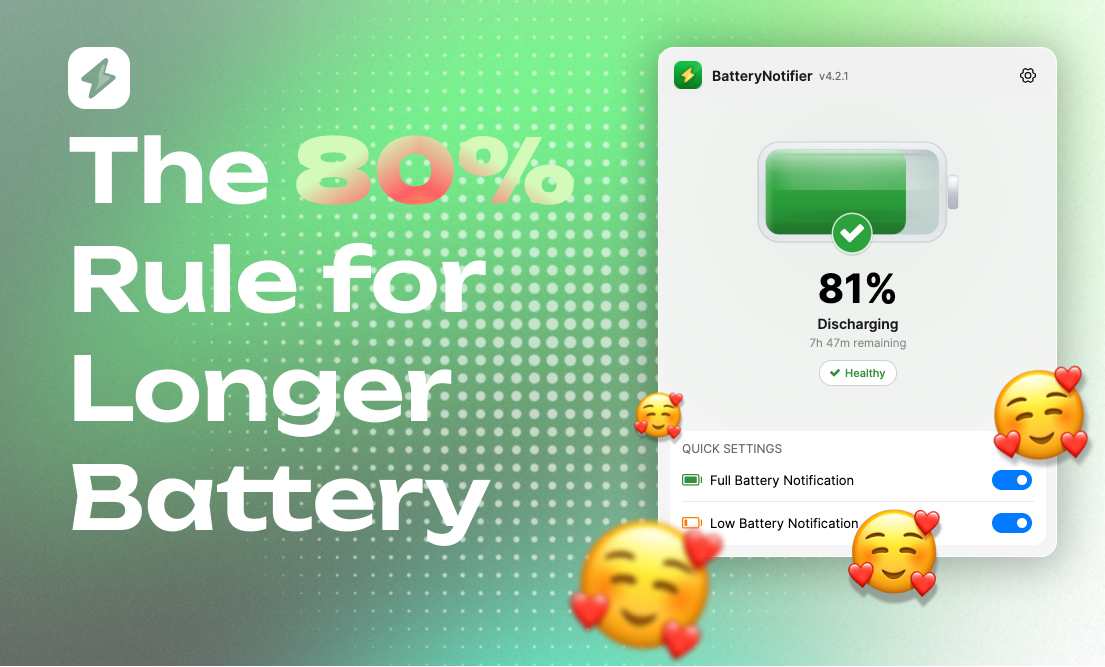
That gap is why I built Battery Notifier. You set a threshold, pick a sound, and it tells you when to unplug. It also shows time estimates like "12 minutes to 80%", so you can decide whether to wait or walk away.
Other things that help
Keep it cool. Heat wears the cells out faster than charge level does. Do not charge on a pillow or with the vents covered.
Do not game on battery. Heavy load drains fast and heats up at the same time. Worst combination for the battery.
Store at 50%. Putting the laptop away for a few weeks? Charge to about half first. Not 100%, not empty.
Why I bother
Android Authority's research on battery longevity lines up with the same idea: partial charging beats full charging over time.
A replacement battery runs $150 to $300. Following the rule can push that replacement from year two to year four. That is real money, and two more years of not hunting for a charger.
Setup takes about 30 seconds: set an alert at 80%, unplug when it dings.