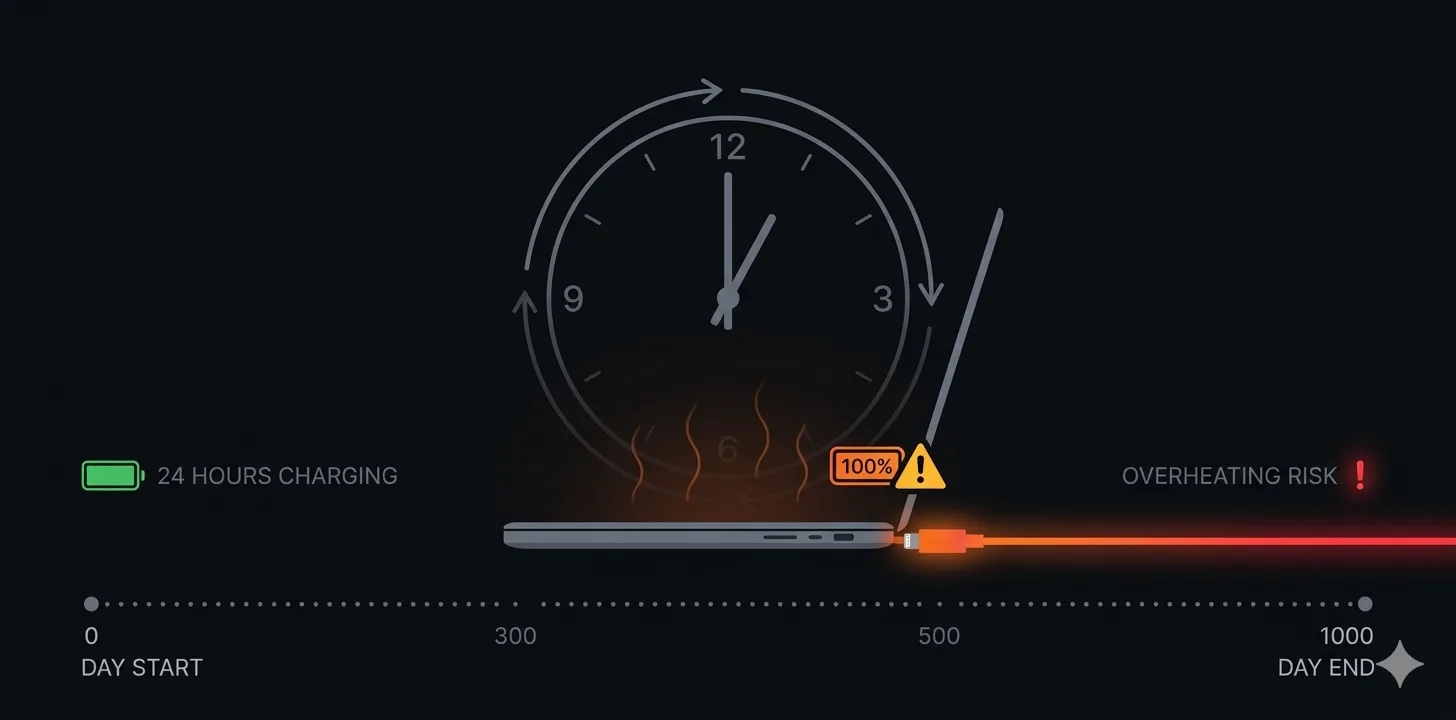
You use your laptop at a desk all day. The charger is always plugged in. Your battery sits at 100% for 8 hours straight. Is that bad?
Short answer: it's not great.
What actually happens at 100%
Your laptop won't "overcharge" — the charging circuit cuts off when full. That myth is dead.
But the battery is still under stress. At 100%, the cells sit at peak voltage. Holding them there for hours every day wears them out faster than if you'd unplugged at 80%. (Here's the data on how much difference it makes.)
So should you unplug?
If you can, yes. Unplug around 80%, plug back in around 20-30%. You don't need to be precise — the goal is to avoid the daily habit of sitting at full charge for hours.
What if you can't unplug?
Some people work at a desk 100% of the time. If that's you:
Check if your laptop has a charge limiter. Lenovo Vantage has "Conservation Mode" (caps at ~60%). ASUS MyASUS has "Maximum Lifespan Mode." Dell has custom charge limits. Apple has "Optimized Battery Charging" (automatic but inconsistent).
If no built-in limiter, set Battery Notifier to alert at 80% and unplug when you can. Even unplugging for an hour a day helps.
Remove the battery if your laptop allows it (rare these days) and run on AC power directly.
The bottom line
Leaving it plugged in won't kill your battery overnight. But doing it every day for two years will cost you 10-20% more capacity loss than if you'd unplugged at 80%. Whether that matters depends on how long you plan to keep the laptop.